Job scheduling and timesheets your crew will actually use
Book the week from a calendar, send each job to the right tech and let them clock time from their phone. Your crew sees the work, not your margins.
- 21-day free trial
- No credit card required
- Cancel anytime
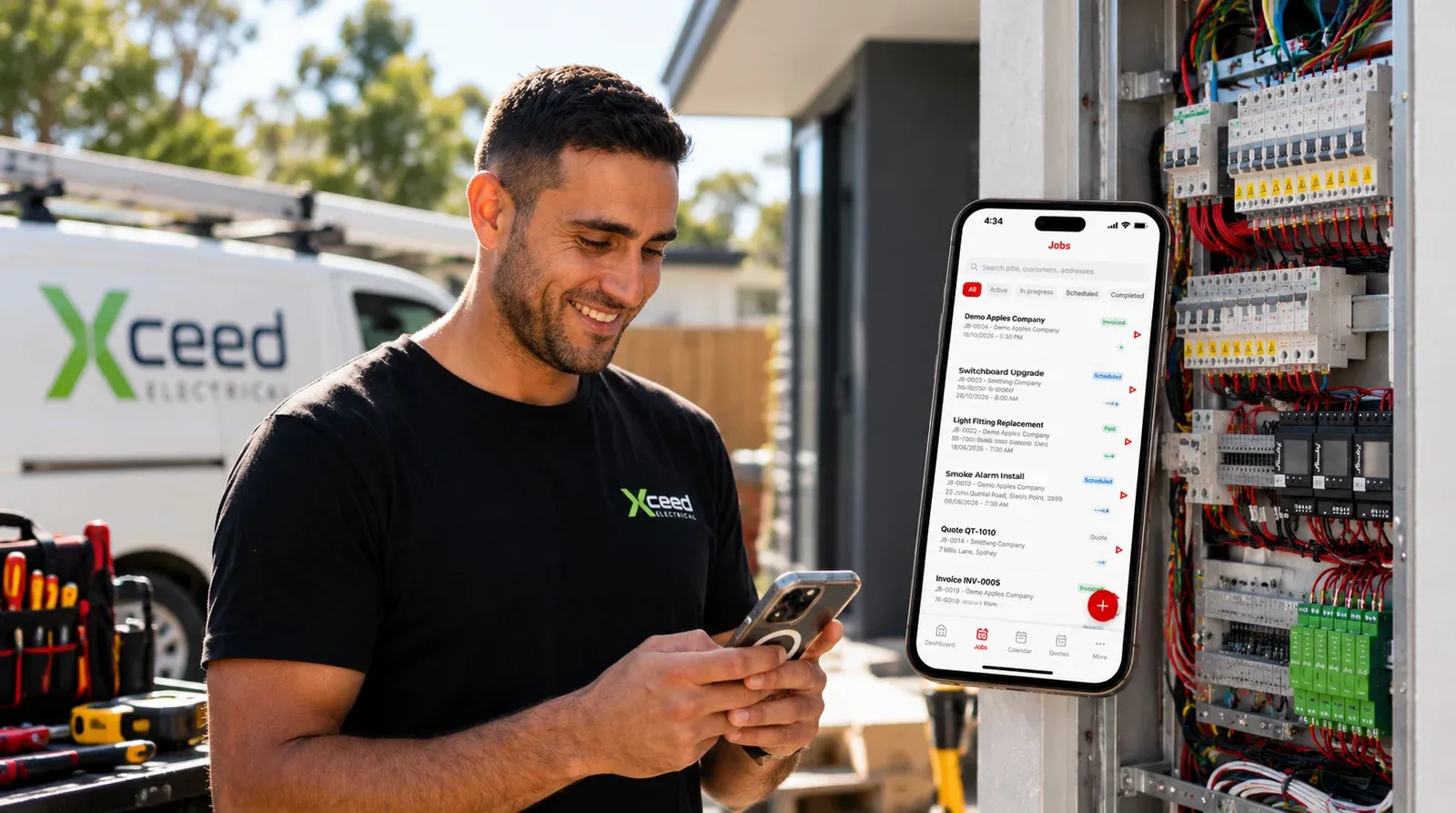
TradieTally is job scheduling software with a built-in timesheet app for tradies. Jobs are booked on day, week, month or timeline calendar views, and field staff use their own login on web, iPhone or Android for timesheets, a job timer, checklists and toolbox talks.
How does job scheduling work in TradieTally?
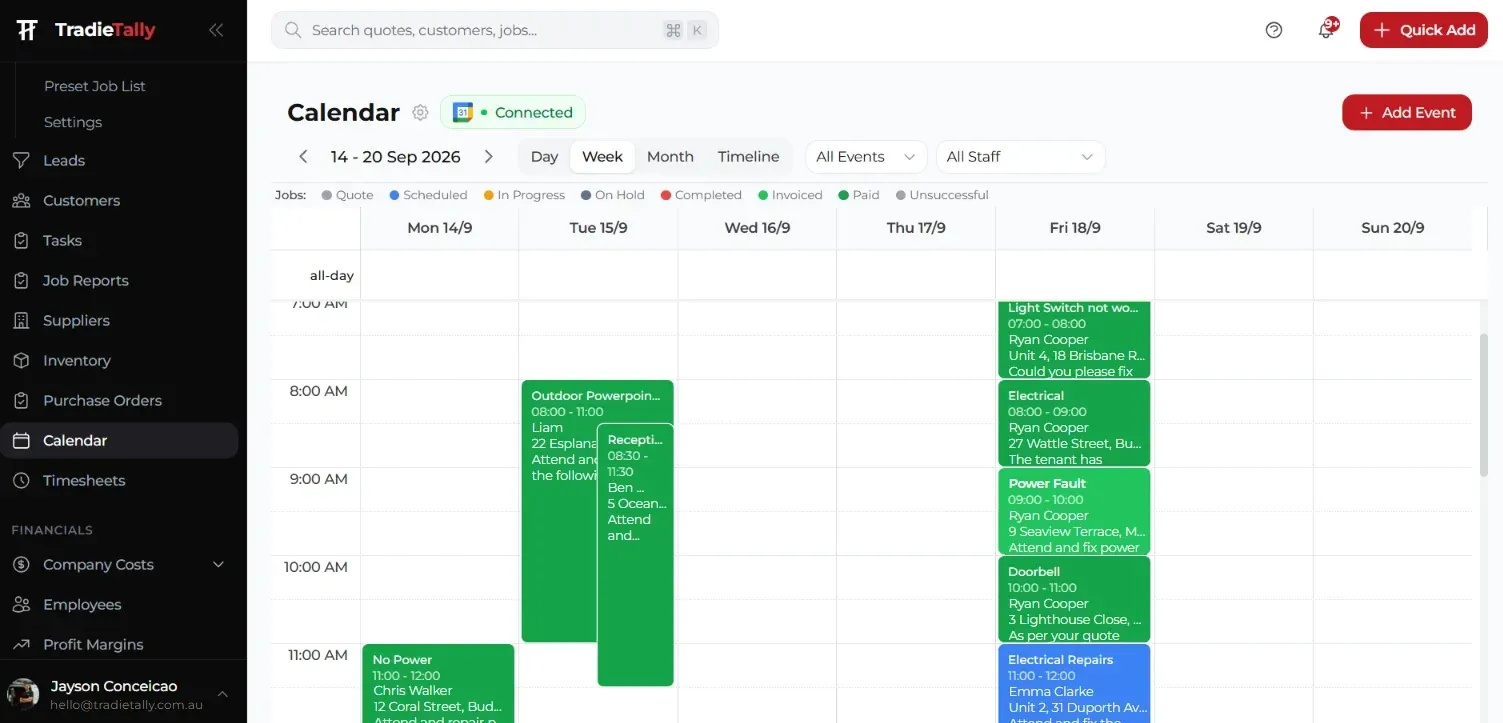
Jobs are scheduled straight from the calendar, with day, week, month and timeline views. Filter by job type or employee to see who is where, and record employee time-off so you do not book someone who is on leave.
A typical week for a small electrical business might have a switchboard upgrade on Monday, EV charger installs mid-week and smoke alarm compliance runs on Friday, each assigned to the right sparky. Each job’s status is tracked in job management.
- Day, week, month and timeline views
- Schedule jobs directly from the calendar
- Employee time-off
- Filter by job type and employee
What can field staff do in the TradieTally app?
On the Team plan, each field worker gets their own login on web, iPhone and Android. You decide whether they see only their assigned jobs or all jobs.
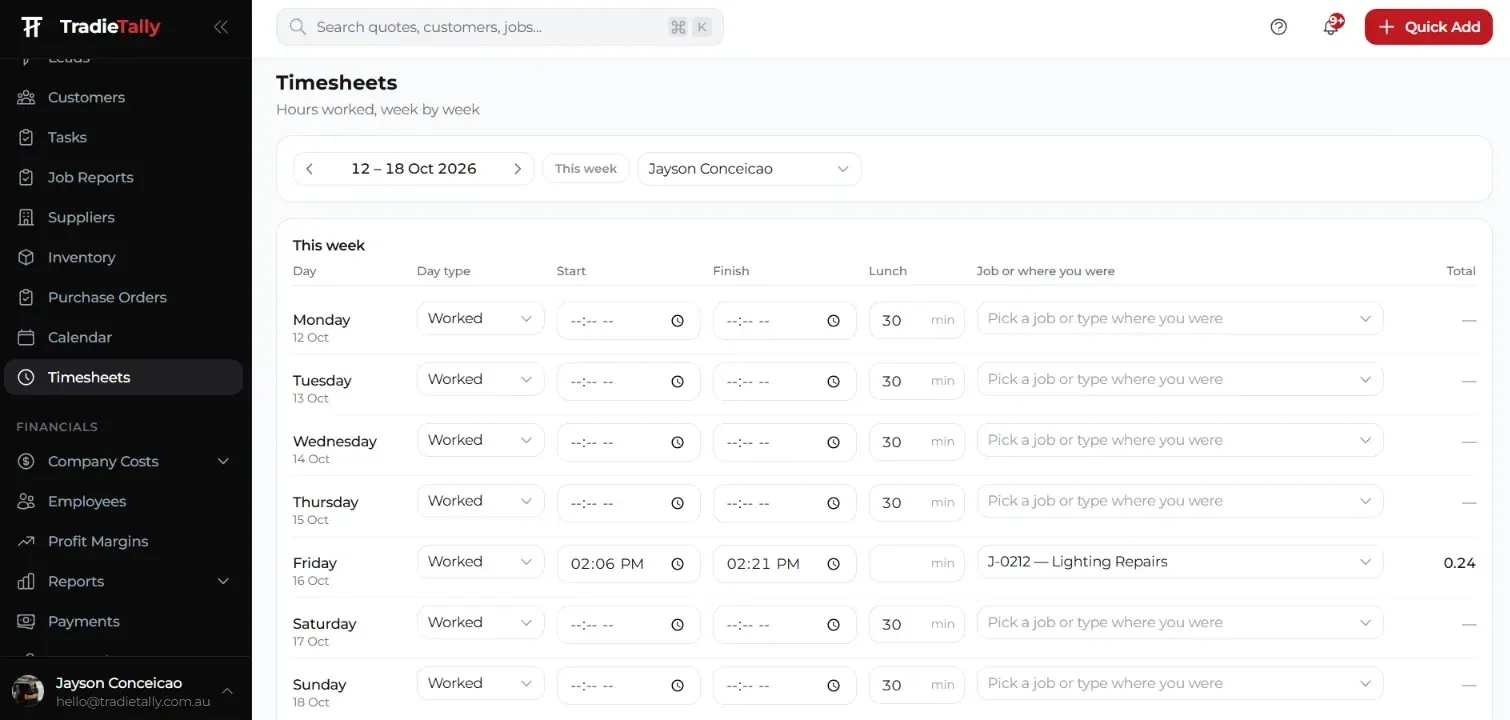
In the app they fill in timesheets, run a job timer, work through tasks and checklists, and complete toolbox talks. They can add job photos, files and notes, and book stock on and off the van so inventory stays accurate.
- Timesheets and job timer
- Tasks and checklists
- Toolbox talks
- Job photos, files and notes
- Stock on and off the van
Can I hide profit and pricing from my field staff?
Yes. Profit, margins, running costs, revenue and charge-out rates are hidden from field users unless you grant access. Customers, quotes and invoices are only visible to field staff if you enable them.
Access is controlled by role: Owner, Admin and Member. An apprentice can clock on and see the job notes without ever seeing what the job is worth or what your charge-out rate is.
How do tasks, checklists and toolbox talks help on trade sites?
Tasks make sure the small jobs get done. Add one from your phone, assign it to someone on the team, set a due date and priority, and it lands on their dashboard.
Checklists keep the job consistent no matter who does it. A security tech commissioning an access control door can work through the same steps every time, and an A/C tech doing a split service and clean can tick off filters, coils and drains before leaving.
Toolbox talks give you a record that safety topics were covered with the crew. Both live with the job, alongside photos and notes. You can see how an A/C crew uses the field app on site.
How much does it cost to add field staff?
The Team plan is $99/month for you plus one user, and each extra user is $20/month (AUD incl. GST, as of October 2026). Example: you plus four field users is $99 + 3 × $20 = $159/month. Solo and Team include the same core features. See the pricing page for annual options.
Scheduling & timesheets for your trade
Electrical estimating software
Switchboard upgrades, rewires, EV chargers and fit-outs priced from your real labour and material costs.
- LED downlight changeover
- Switchboard upgrade
- Double GPO add
Security installer quoting software
Quote CCTV, alarms, intercoms and access control on site, then manage installs and service visits.
- 4-camera CCTV install
- Alarm install
- Intercom install
Air conditioning quoting software
Split, ducted and multi-head installs plus service agreements, with true profit on every job.
- Split system back-to-back install
- Split system standard install
- Ducted zone add
Scheduling & timesheets FAQs
Can field staff clock time against a specific job?
Yes. Field users have a job timer and timesheets in the app, so time is recorded while they work on the job. You get the hours without chasing paper timesheets at the end of the week.
Does the TradieTally field app work on Android as well as iPhone?
Yes. Field staff can log in on web, iPhone and Android. Each person has their own login on the Team plan.
Can I stop a tech from seeing jobs that are not assigned to them?
Yes. You choose whether field users see only their assigned jobs or all jobs. Customers, quotes and invoices are also hidden unless you enable them.
What is the difference between the Owner, Admin and Member roles?
They are the three access roles in TradieTally and control what each person can see and do. Field users have financials such as profit, margins, running costs and charge-out rates hidden unless you grant access.
Can I see which staff are on leave when I am scheduling?
Yes. Employee time-off is recorded in the calendar, so you can see who is unavailable before you book a job. You can also filter the calendar by employee.
Stop quoting at the kitchen table.
Price every job from your real costs, see the profit before you hit send, and run the whole job from one app. Built by a sparky for electricians, security techs and A/C contractors.